
Spelly for Schools
The teacher dashboard
One place to see your students, run classes and set homework. It is separate from the learner app.
#Signing in
Go to spelly.ch/operators/login and enter your email address. We send a sign-in link; there is no password to remember.
#What is inside
Students
Everyone in your school, with their class, when they last practised, their recent score and trend, and a flag for who needs attention. Download the list as a spreadsheet.
Classes
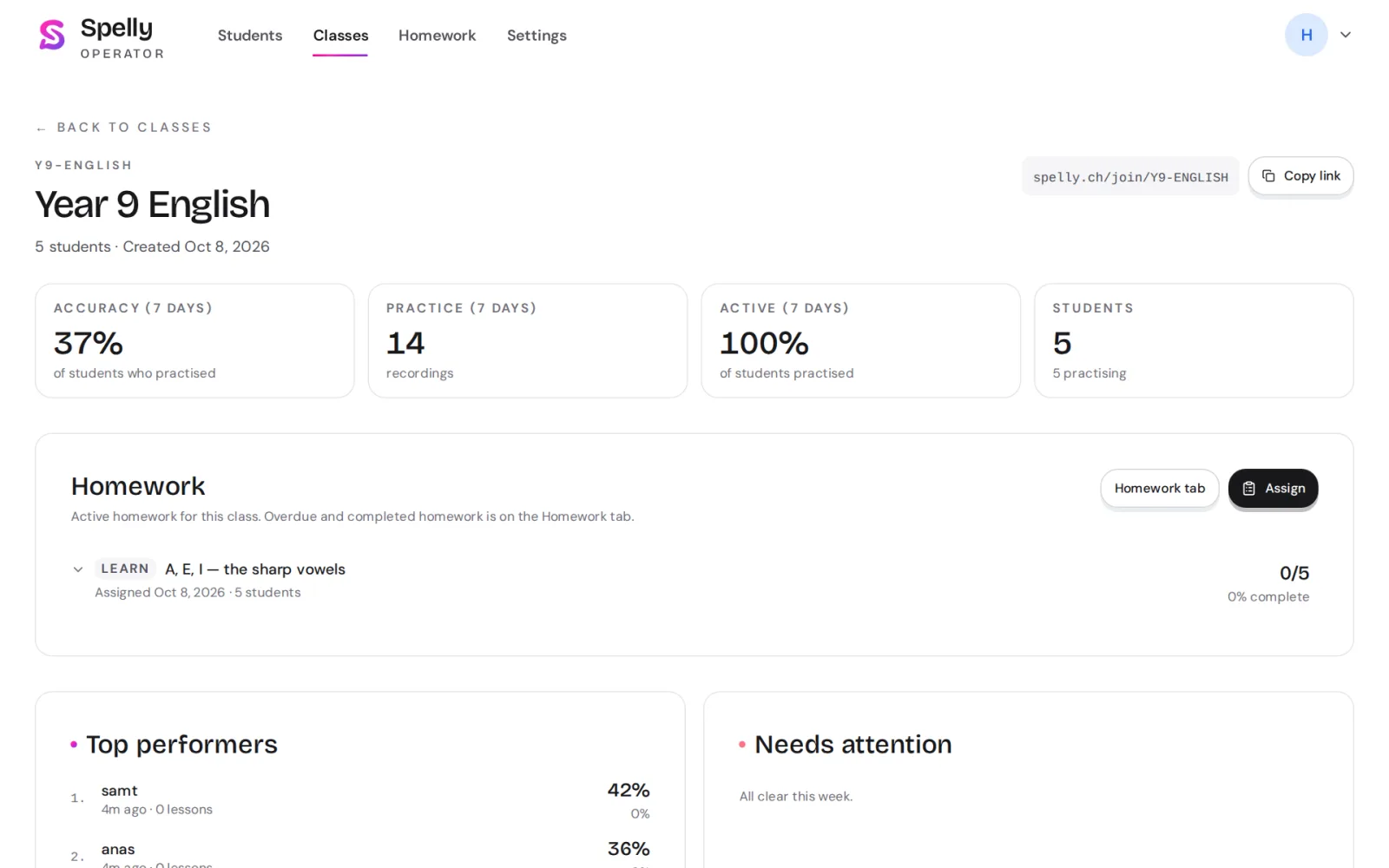
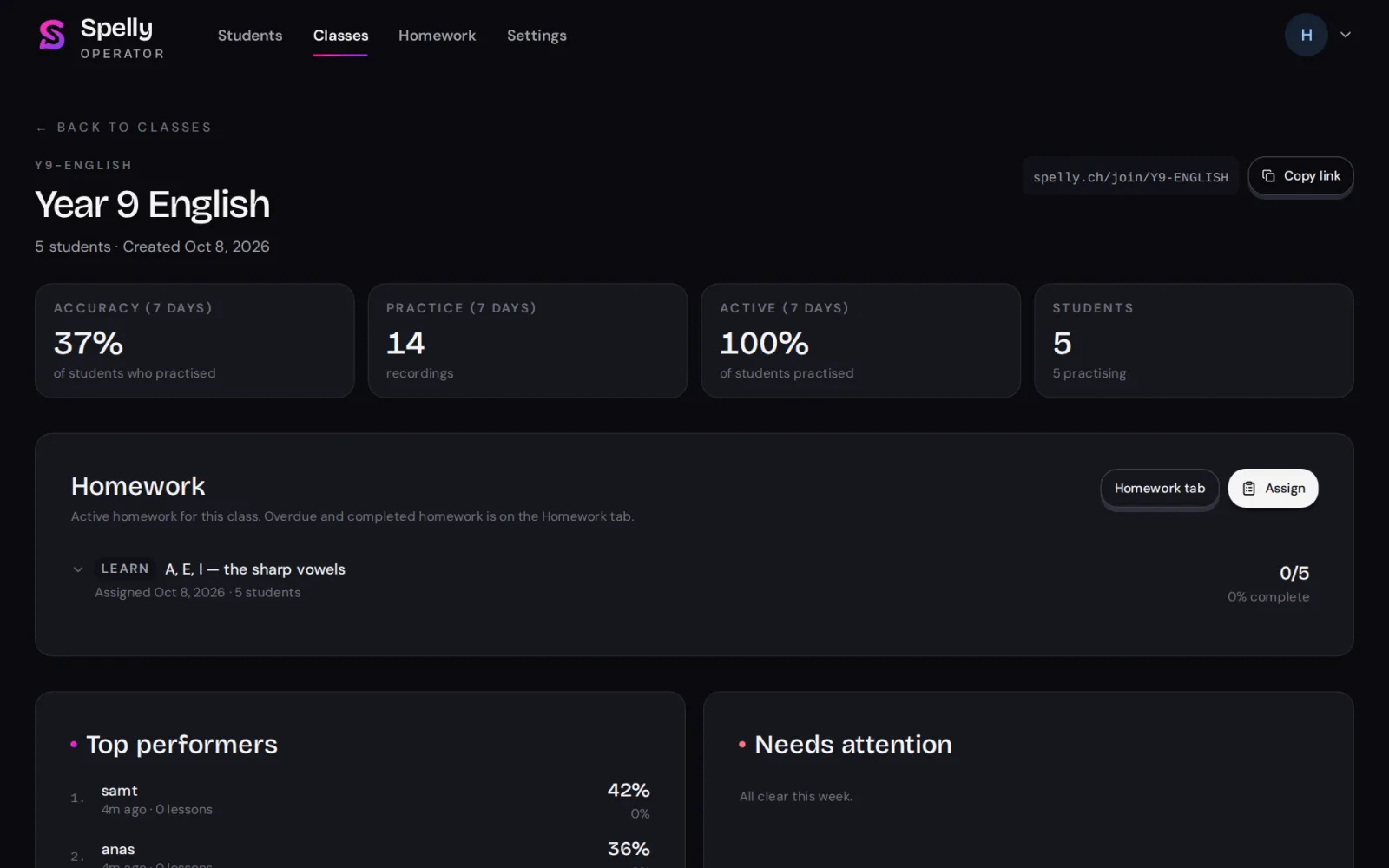
Create classes and copy their join links. Each class shows its students, average score, recent practice and its homework.
Homework
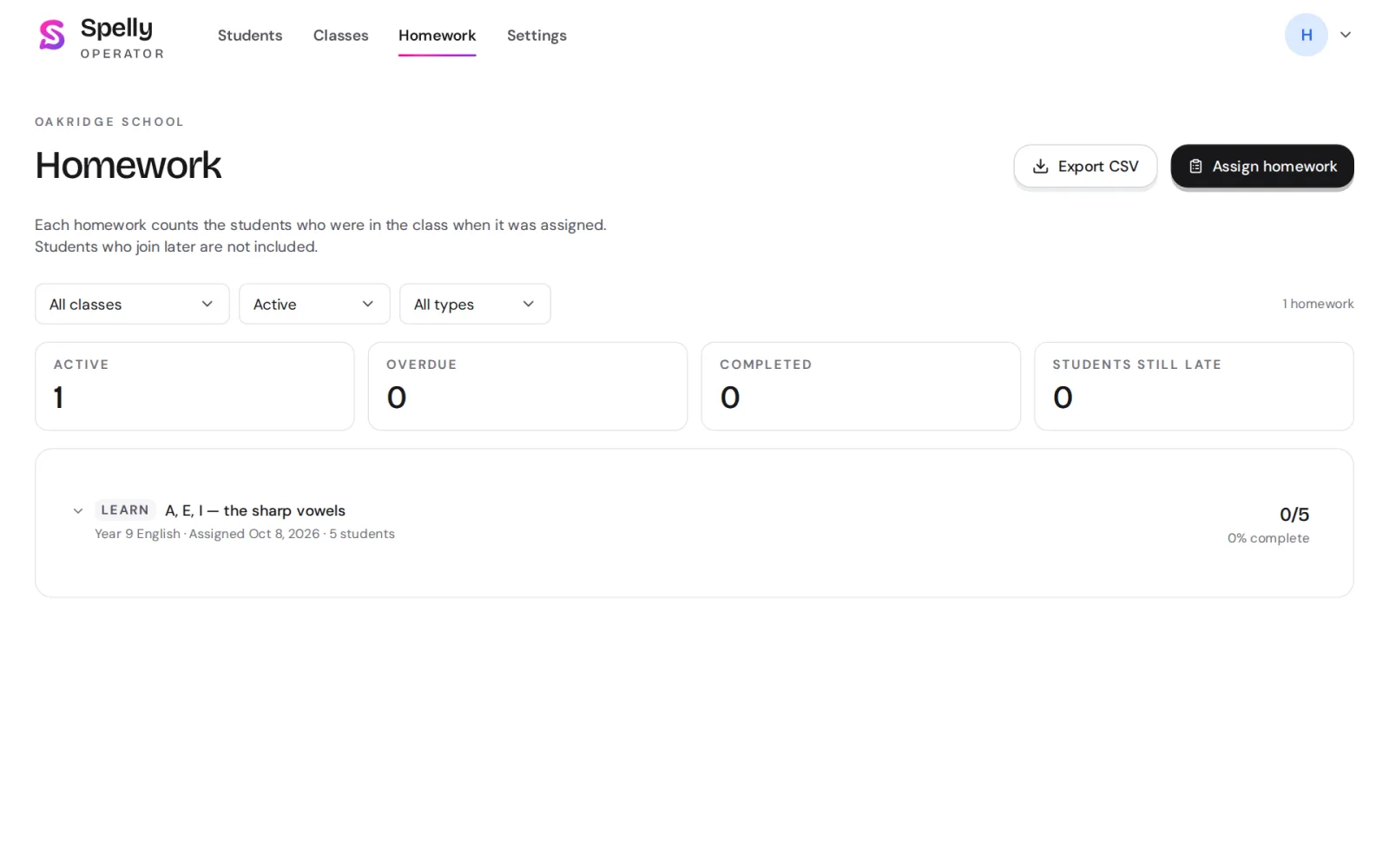
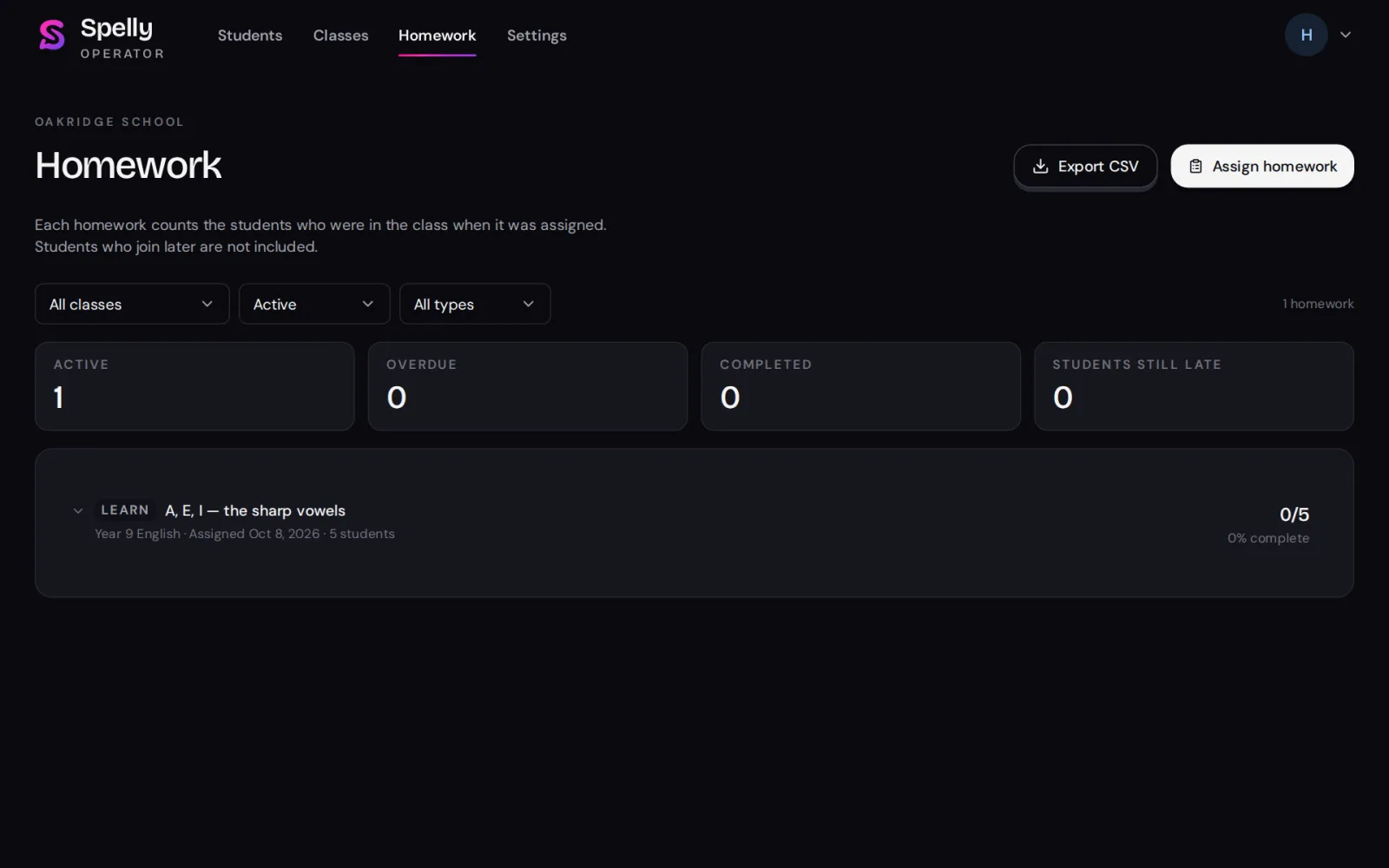
Assign a Learn lesson or your own sentences in Practice, with an optional due date and email to students. See who finished and download the results.
Settings
Your school’s details, places and daily bonus, and Learn or Practice switched off for your students if you need to. Below them, the activity log: invites, class changes, removals and homework, with who did them and when.
Teachers see summaries only. They cannot hear recordings or see word-by-word results.
Questions?
Tell us what you have in mind and we will get back to you.