
Spelly for Schools
How students join
Share a link the way you already talk to your students: chat, email, your learning platform or a QR code.
#Three ways to join
| Way | What happens | Best for |
|---|---|---|
| Class link | Joins the school and goes straight into that class. | Most classes |
| School link | Joins the school; a teacher picks the class later. | Whole-school starts |
| Email invite | A personal link for one email address, valid for a week. | One student at a time |
#What students do
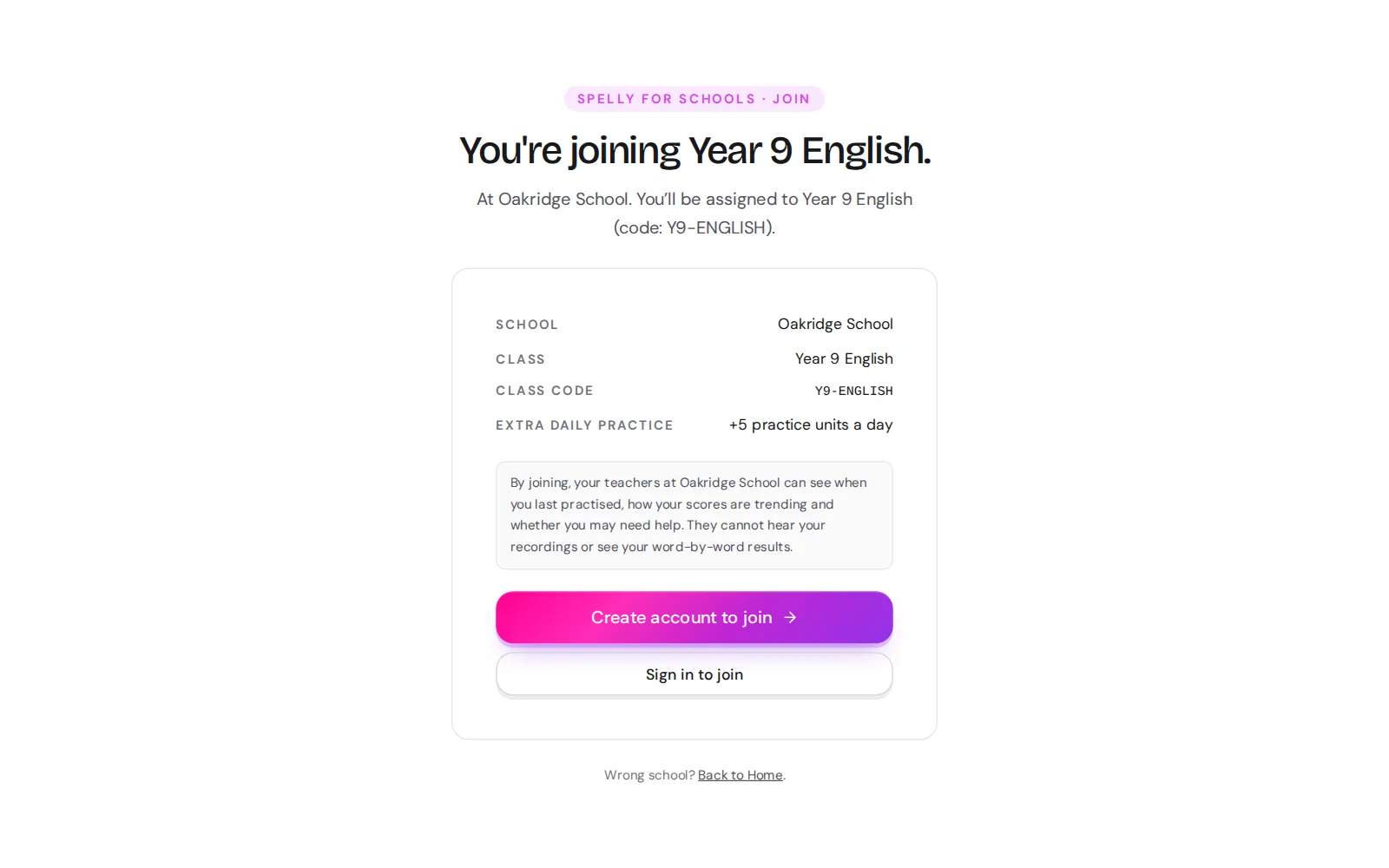
Open the link
From the teacher, for example spelly.ch/join/MORNING-A2.
Sign in or sign up
Students who already use Spelly keep the same account.
Confirm
The school bonus and any homework appear straight away.
#After joining
- Each student is in one class at most. Teachers can move students between classes; they are not emailed about it.
- Students can leave the school from their profile at any time.
- Their own lessons, Practice and history are not affected by joining or leaving.
Questions?
Tell us what you have in mind and we will get back to you.